
Advertisement
Click to download now, finish the installation quickly, and directly unlock the all-round experience
Advertisement
Screenshots
Click to download now, finish the installation quickly, and directly unlock the all-round experience
Zoom Workplace for Intune brings Zoom’s work communication tools to Android in a version intended for organizations that manage apps with Microsoft Intune. It suits employees who need to join meetings or use workplace communications on a phone, while their employer sets the rules for company app access and data. The key distinction from a general-purpose Zoom app is that this version is meant to fit an organization’s managed environment; it may not be useful without a work account and Intune support from your employer.
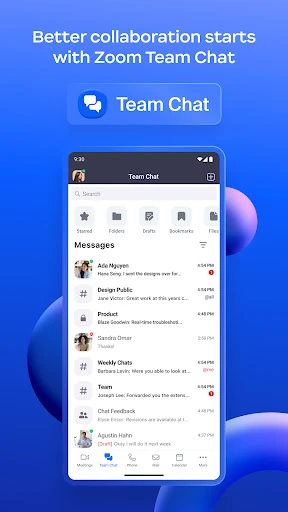
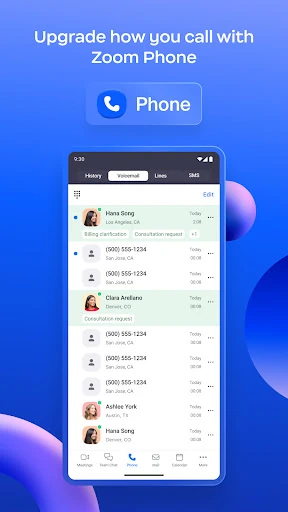
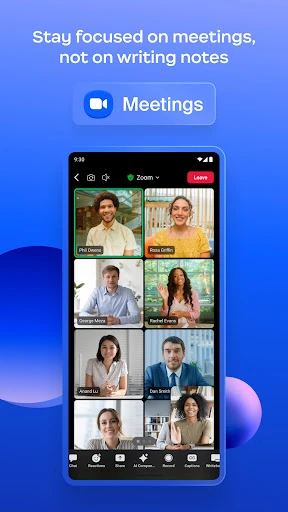
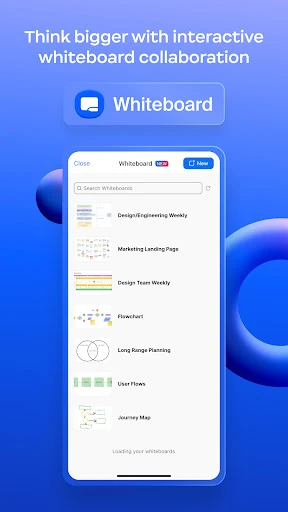
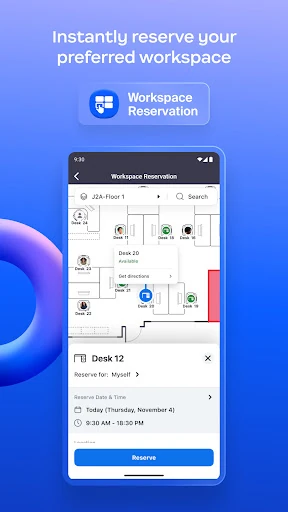
The app includes Zoom workplace tools such as meetings, team chat, phone, whiteboard and mail. Having these in one place can help if your team already uses several parts of Zoom’s work suite. The benefit depends on what your organization has enabled: a listed tool is not necessarily available to every employee or account. If you mainly need personal video calls, the Intune-specific setup may add little for you.
Intune gives an organization a way to apply app-level policies to work use, including on employees’ personal devices. That can make this edition a better fit for workplaces with rules about company information than an unmanaged app. The trade-off is that setup and access are tied to your employer’s systems and decisions. It is the organization, not the individual user, that determines the managed experience, so this is not the most flexible choice for someone seeking a standalone communications app.
Consider Zoom Workplace for Intune if your employer asks you to use it and relies on both Zoom and Microsoft Intune. If your workplace does not manage apps through Intune, a standard Zoom app may be a more direct fit. The listing is published by zoom.com and has a 4.03 out of 5 rating from 29,786 ratings, with 10,000,000+ installs. Those figures indicate broad use, but whether this version suits you chiefly depends on your organization’s setup.