
Advertisement
Click to download now, finish the installation quickly, and directly unlock the all-round experience
Advertisement
Screenshots
Click to download now, finish the installation quickly, and directly unlock the all-round experience
Autodesk Fusion is a mobile companion for viewing and sharing 3D designs made with Autodesk’s cloud-based Fusion desktop product. It suits designers, project teams, clients, and other reviewers who need to inspect a model or follow project updates away from a computer. The app is published by Autodesk Inc. in the Productivity category.
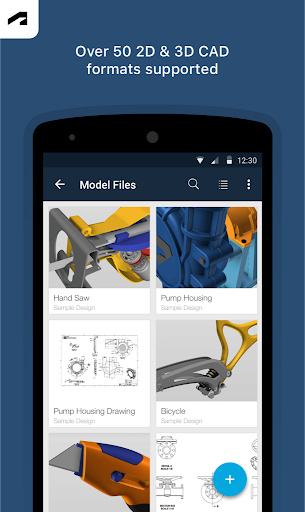
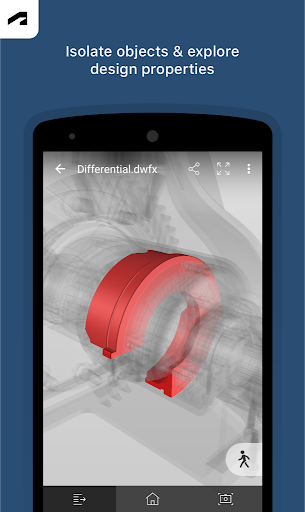
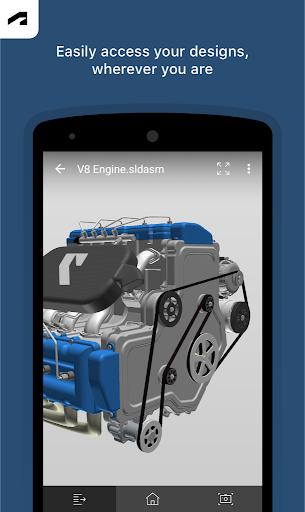
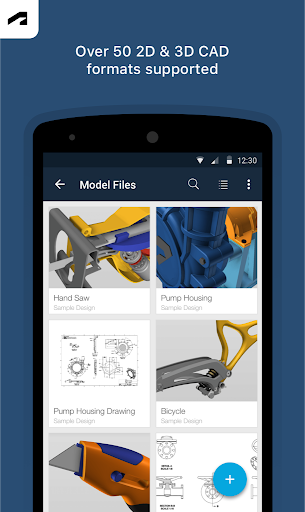
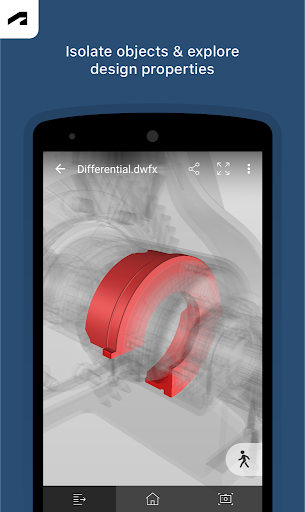
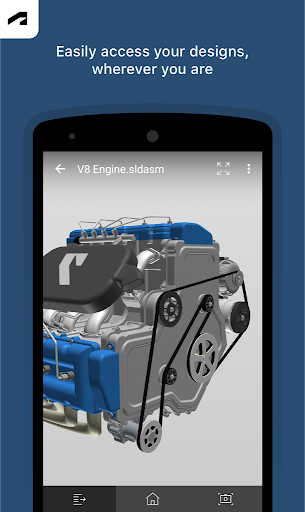
The app supports more than 100 design and model file formats, including STEP, IGES, STL, DWG, and several formats used by other CAD tools. You can zoom, pan, and rotate models by touch, look through large or small assemblies, and hide or isolate components to focus on particular parts. Design properties and parts lists are also available, which can help when a review involves more than the model’s overall shape.
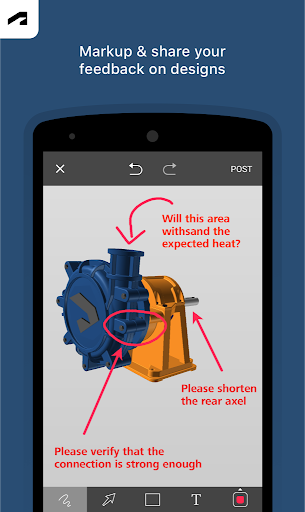
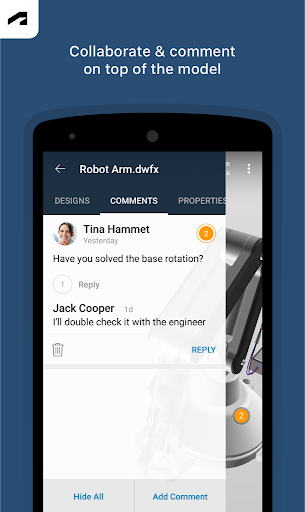
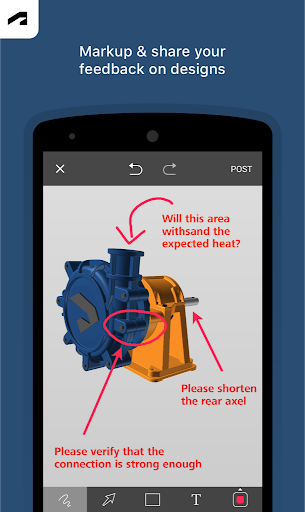
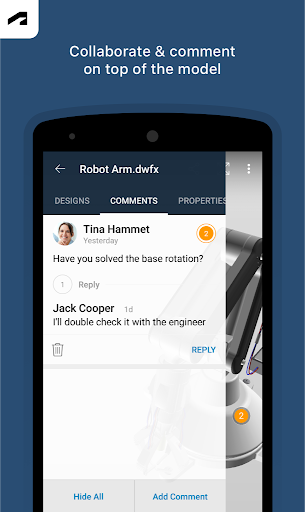
Fusion includes project activity and update tracking, so it can help reviewers keep up with changes as well as open a design. You can share designs with people inside or outside your organisation, and send screenshots with markups from the app. That makes it useful for discussing specific areas of a model without asking every participant to work in the same desktop environment. Its value depends on having Fusion project data or compatible files to review; it is not presented as a standalone replacement for the desktop design product.
Choose Autodesk Fusion if your work already involves Fusion projects, or if you regularly need to inspect supported CAD files and communicate feedback from an Android device. It is less compelling if you have no design-review or collaboration need. The listing has a 1.53 rating across 4,911 reviews and more than 1,000,000 installs. Those figures offer a sense of its reception and reach, but do not explain why individual users rated it as they did.