Office NX: TextMaker
SoftMaker Software GmbH
Downloads
500,000+
Source
Google Play
Advertisement
Click to download now, finish the installation quickly, and directly unlock the all-round experience
Advertisement
Screenshots



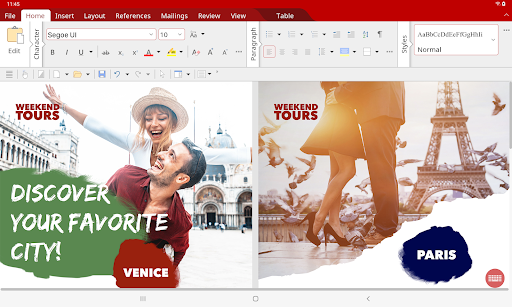


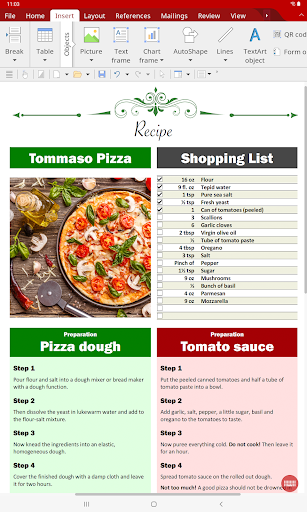
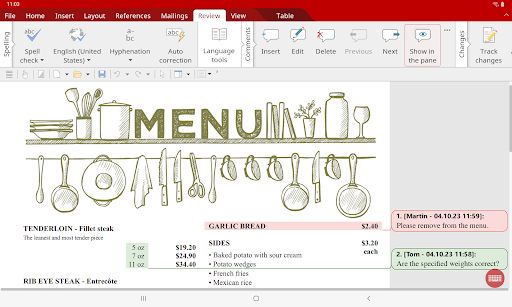
Click to download now, finish the installation quickly, and directly unlock the all-round experience
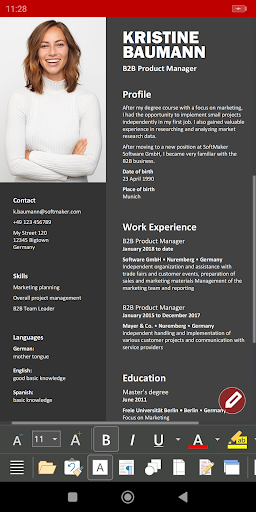
Office NX: TextMaker is an Android word processor for creating and editing documents on phones and tablets. It is aimed at people who need to work with Microsoft Word files away from a computer, as well as those who want to edit other common document formats on Android. SoftMaker Software GmbH makes the app.
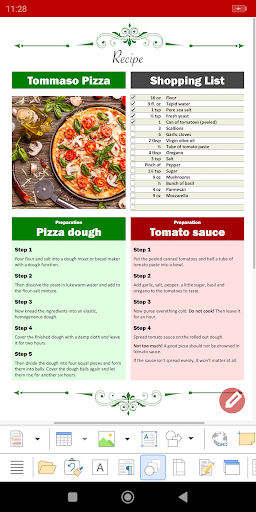
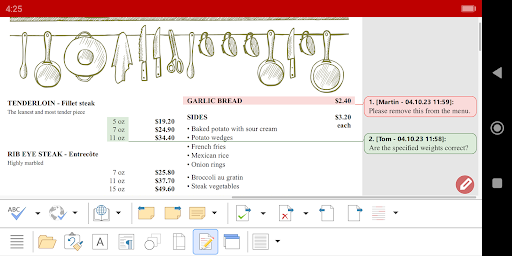
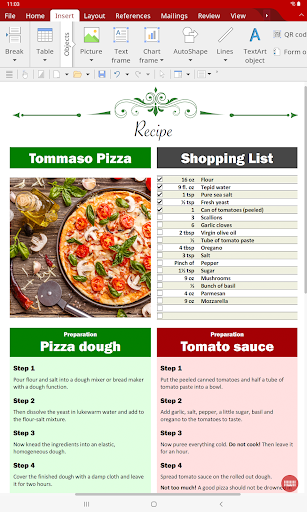
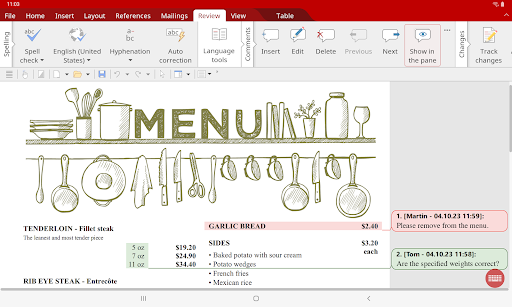
TextMaker uses DOCX as its native format and can open and save DOCX and DOC files. It also handles OpenDocument, RTF and HTML files, giving it a role beyond editing Word documents alone. Formatting tools include styles, tables, templates, spell checking and picture editing, so it can serve for more than quick text changes.
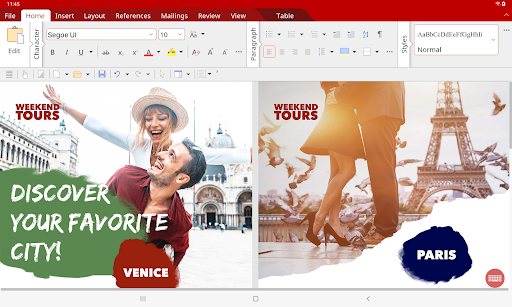
Files can be opened from device storage or cloud services such as Google Drive, Dropbox and Nextcloud. The interface adapts to phone and tablet use, with toolbars for smaller screens and ribbon-style controls on tablets. That makes it a reasonable fit for editing on the move, though people doing extensive document work may still prefer a desktop setup.
In the Productivity category, Office NX: TextMaker has a 4.6-star rating from 32,635 reviews and 500,000+ installs. Those figures suggest a well-used option, but the better reason to choose it is practical: it brings familiar document formats and substantial editing tools to Android. It is a stronger fit for people who regularly handle Word or OpenDocument files than for anyone seeking a general-purpose office suite centered on spreadsheets or presentations.