Advertisement
Click to download now, finish the installation quickly, and directly unlock the all-round experience
Advertisement
Screenshots
Click to download now, finish the installation quickly, and directly unlock the all-round experience
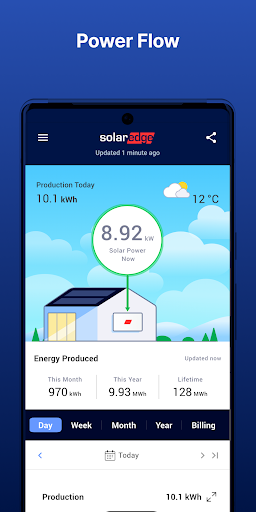
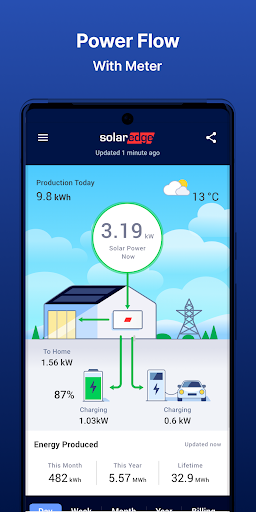
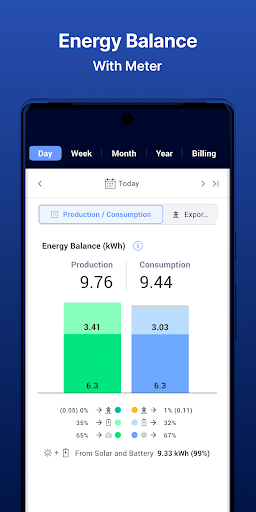
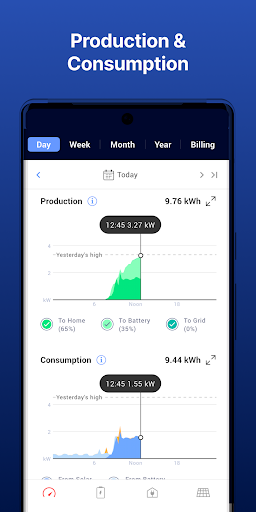
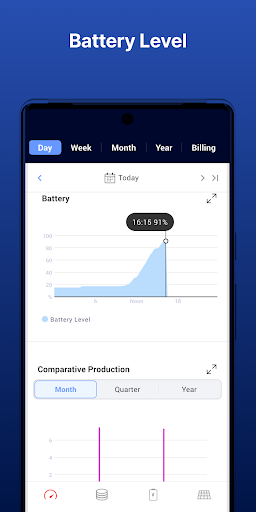
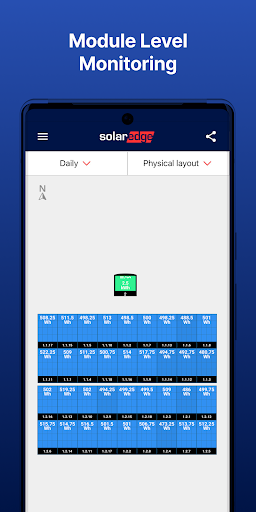
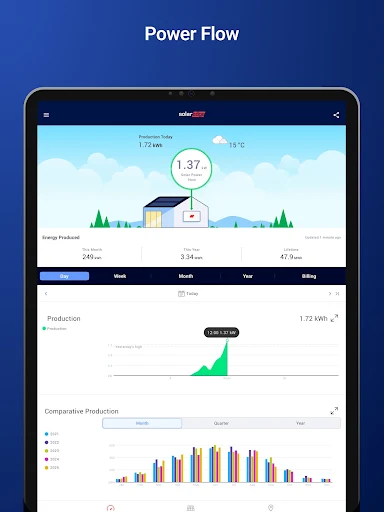
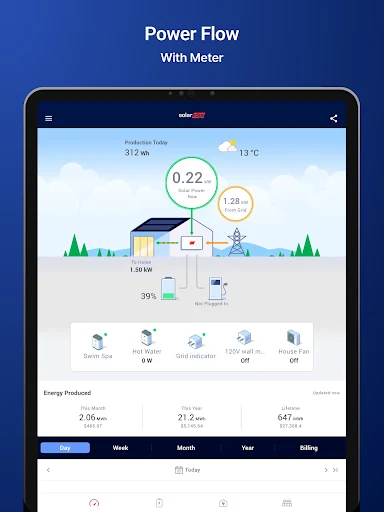
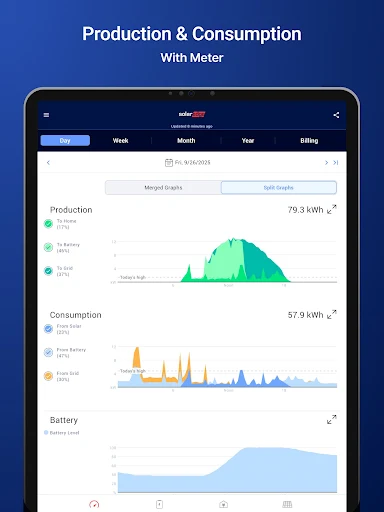
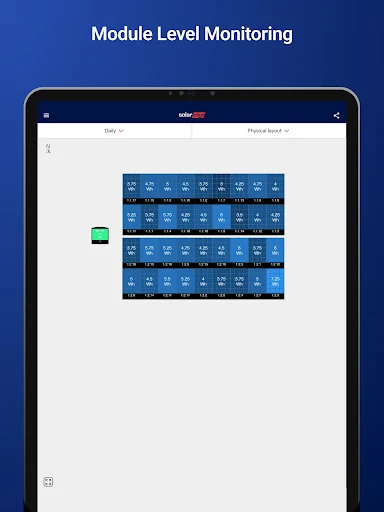
mySolarEdge is a monitoring and control app for people with SolarEdge solar and smart-energy equipment. It brings energy production and use into a mobile view, and can help you check how your system is performing. Its focus is SolarEdge installations, rather than general home energy tracking for any equipment.
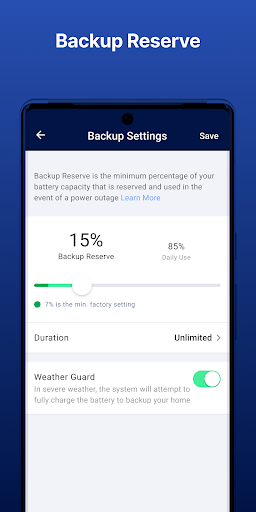
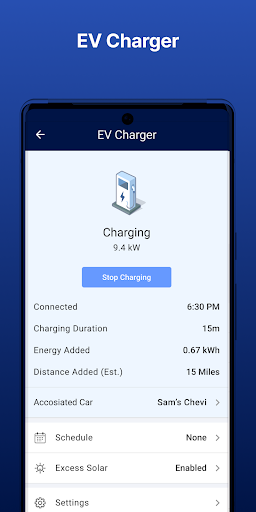
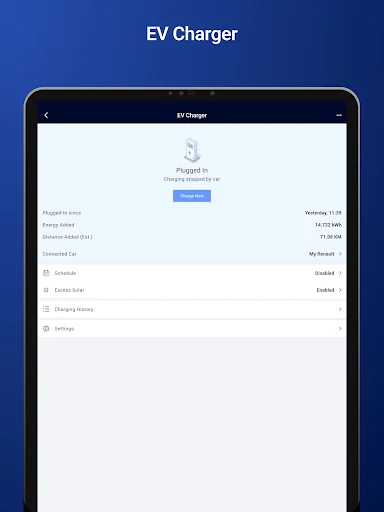
The app can show energy production and usage in real time. You can also use it to control supported smart-home devices and manage SolarEdge EV charging remotely. These controls make the app more useful for households that have several parts of the SolarEdge ecosystem, while the features available to you depend on your equipment and setup.
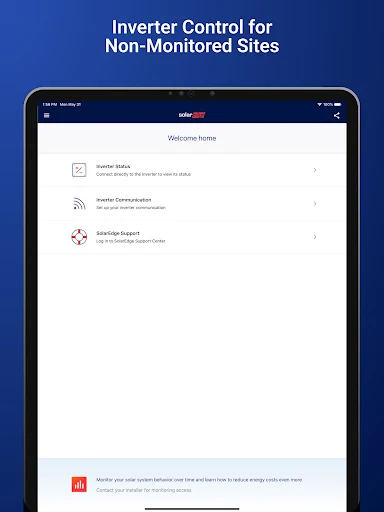
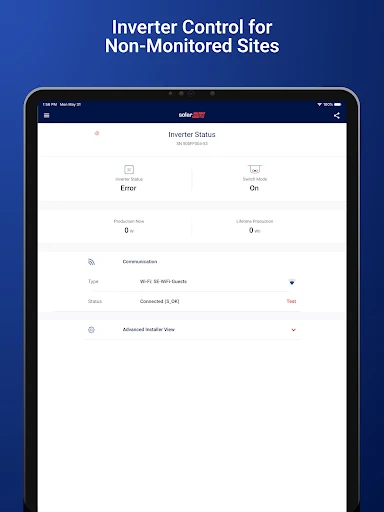
For SetApp-enabled inverters, mySolarEdge includes inverter status information and step-by-step troubleshooting guidance. It can also help configure inverter communication and network settings on those models. These tools are not described as available for every inverter, so the inverter model matters if you want to use the app for setup or troubleshooting. Monitoring is also available on Google Wear OS devices, including Pixel Watch models.
Published by SolarEdge Technologies in the Tools category, mySolarEdge has a 3.95-star rating from about 194,000 ratings and more than 1 million installs. Those figures give a sense of its reach, but the app’s fit depends mainly on whether your home already uses compatible SolarEdge equipment. If you want a single place to follow SolarEdge production, consumption and supported device controls, it brings those tasks together; without the required hardware or permissions, some monitoring options will not be available.